
Sit, Stand, Reset: Building a Smarter Workspace with a Height-Adjustable Desk
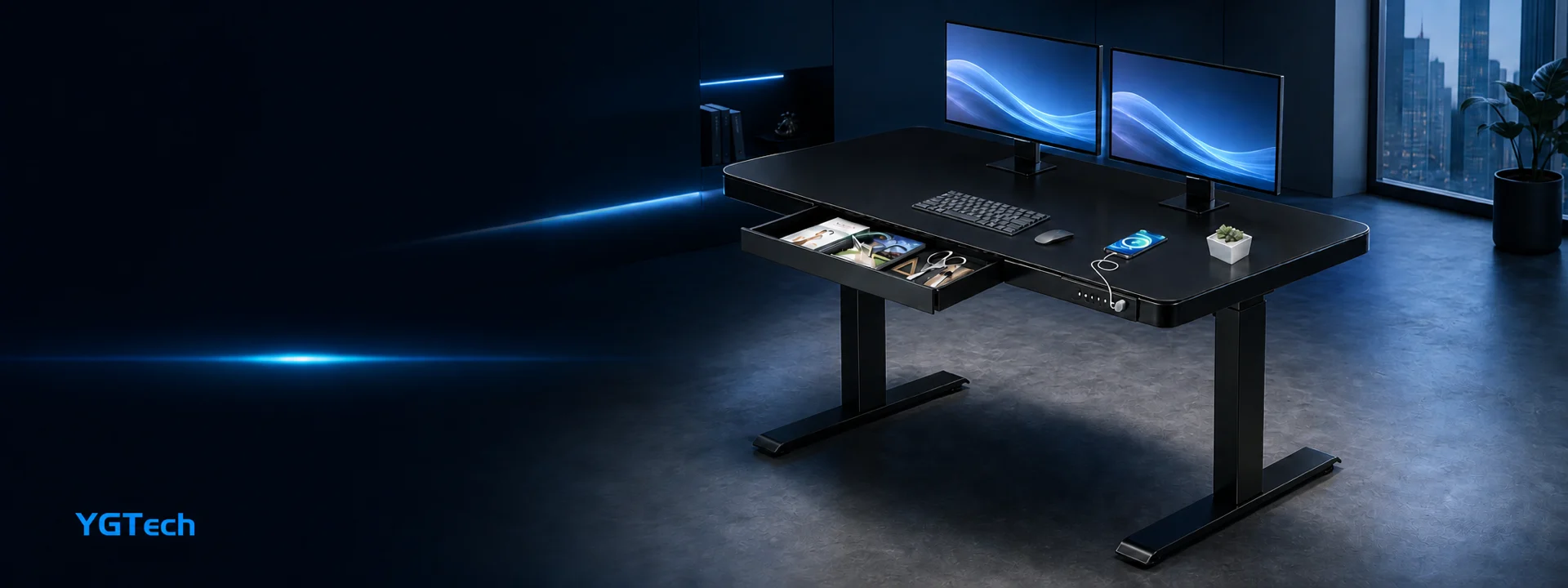
A well-organized standing desk combines movement, storage, and technology in one coherent workspace.
The real advantage of a height-adjustable desk is not standing all day. It is the freedom to change position before discomfort becomes the main focus of the workday.
Workspaces shape behavior. A fixed desk encourages one default position, while an adjustable desk makes movement part of the environment. With the press of a button, the same surface can support focused typing, a quick video call, sketching, sorting materials, or a short standing session. That flexibility is useful in both dedicated offices and multipurpose rooms.
The strongest setups are not built around a dramatic transformation. They are built around small, repeatable transitions. A desk that moves smoothly, remembers preferred heights, and keeps essentials organized removes friction from those transitions. When the change is easy, people are more likely to use it.
Think in Positions, Not in One Perfect Height
A comfortable seated position starts with the elbows close to desk height and the monitor near eye level. A standing position follows the same principle: the shoulders should remain relaxed, the wrists neutral, and the screen high enough that the user does not need to look sharply downward. Because bodies, footwear, and tasks vary, the ability to adjust by small increments is more valuable than a single recommended number.
The YGTech standing desk shown in this collection offers an adjustable range of approximately 70 to 115 centimeters, along with three memory presets. Those presets can be assigned to a seated height, a standing height, and a task-specific position—for example, a higher setting for reviewing documents or a lower setting for detailed creative work. Model-specific specifications should be confirmed before purchase.
Memory Presets Turn Movement into a Habit
Without saved positions, users may hesitate to move the desk because they expect to spend time finding the right height again. Memory controls eliminate that uncertainty. One button returns the surface to a familiar position, making short standing intervals feel practical rather than disruptive.
A simple routine can help: begin the day seated, switch to standing for a meeting or planning session, return to sitting for concentrated work, and stand again during an afternoon reset. The ideal schedule is personal. The important point is to change position regularly and to stop if a position becomes uncomfortable.
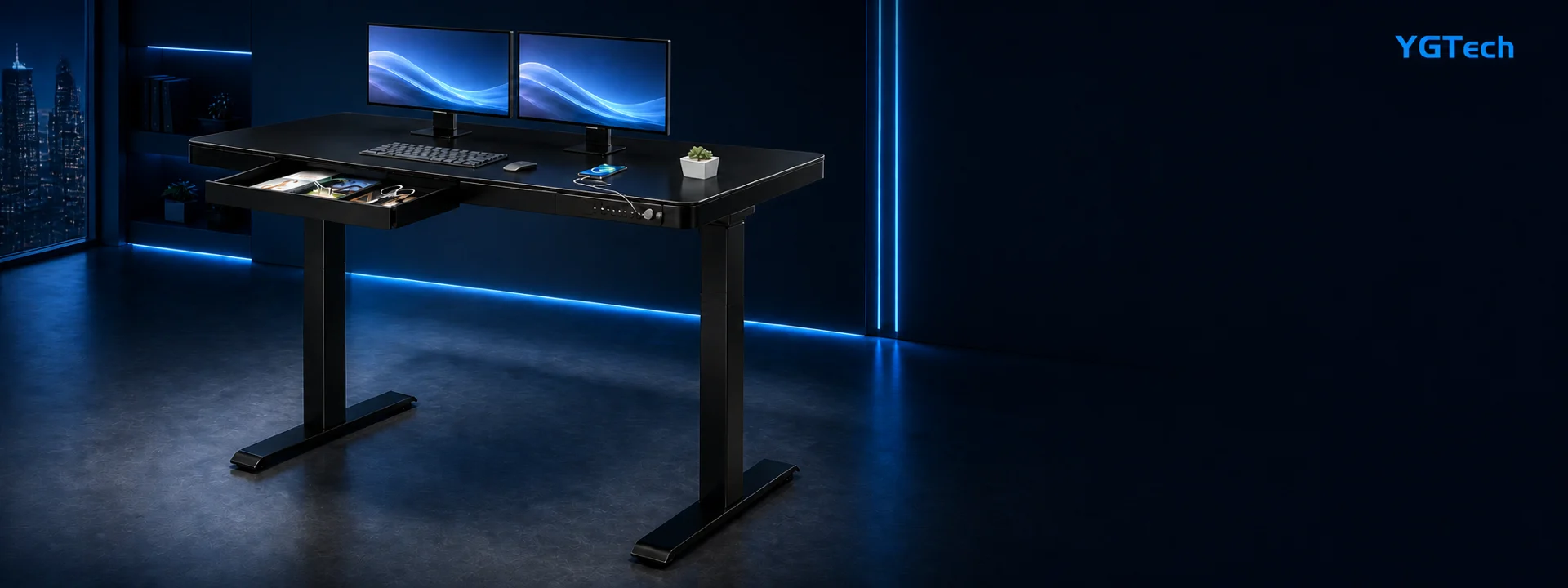
Saved heights make it easier to move between seated and standing work without interrupting the task.
Design the Surface for Focus
Height adjustment works best when the desktop itself is thoughtfully organized. Dual monitors should sit at a consistent viewing distance, while the keyboard and mouse remain close enough to avoid reaching. Frequently used items belong within the primary reach zone; less frequently used accessories can move to the drawer or side storage.
Integrated features can make that organization easier. The featured YGTech desk combines a built-in drawer with two USB charging ports, allowing small accessories, stationery, and devices to stay connected without covering the work surface in adapters. The rounded desktop corners soften the visual profile, while the wide T-shaped feet support a stable stance. The listed load capacity is up to 80 kilograms for the featured configuration.
Pair the Desk with an Adjustable Chair
A standing desk does not replace a good chair. The two products work as a system. The desk sets the working height; the chair supports the body during seated periods. When both are adjustable, the user can align the seat, armrests, keyboard, and monitor more accurately instead of compensating with raised shoulders or a bent neck.
For a shared workspace, save desk presets for the most common users and choose a chair with a generous adjustment range. For a personal setup, fine-tune one seated and one standing position, then keep a small amount of open space under the desk so movement remains easy. Cable slack should also be checked at the highest position to prevent tension on devices.
A Practical Setup Checklist
- Set seated and standing heights with relaxed shoulders and neutral wrists.
- Save the preferred heights to memory buttons so transitions take one touch.
- Check cable length and monitor stability at the desk’s highest position.
- Use the drawer and charging ports to keep the primary work area clear.
- Alternate positions based on comfort and task rather than following a rigid schedule.
A Smarter Desk Makes Change Easier
The best height-adjustable desk is defined by how naturally it fits into the day. Smooth movement, reliable presets, sturdy construction, and built-in organization let the desk adapt to the user—not the reverse.
YGTech’s approach brings those functions together in a clean, modern workspace. Whether the goal is deeper focus, more comfortable meetings, or a flexible room that serves several purposes, the ability to sit, stand, and reset creates more options—and better options are the foundation of a smarter setup.
Key takeaway: Use height adjustment to support regular changes in position, and use memory, storage, and charging features to make those changes effortless.